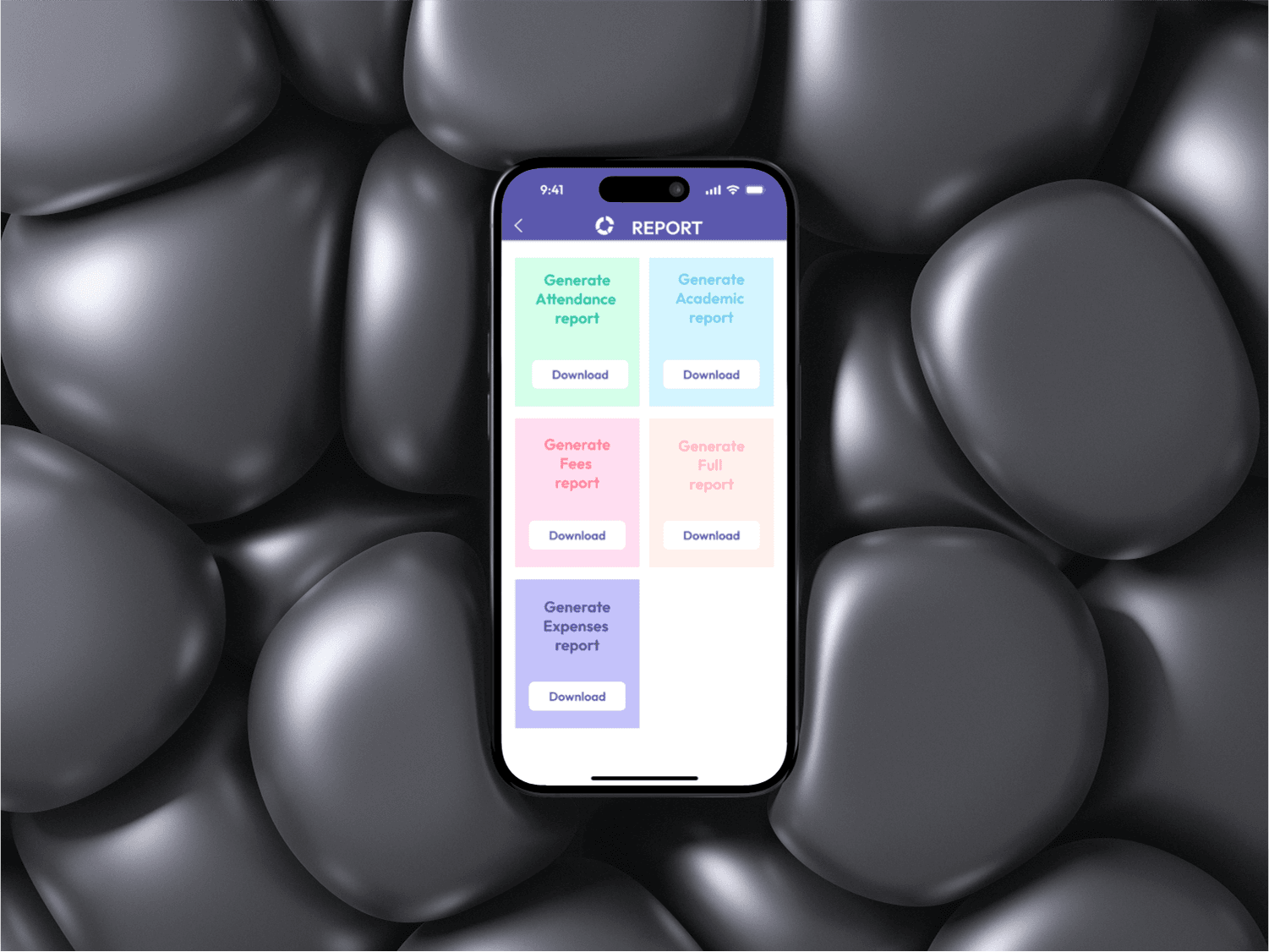
The EDU Shiksha app is designed to provide a seamless and intuitive educational experience for students, teachers, administrators, and guests. With a clean, structured interface and an easy-to-navigate dashboard, the app enhances accessibility, engagement, and productivity in academic environments.
User Experience (UX) Features
1. Intuitive Login System
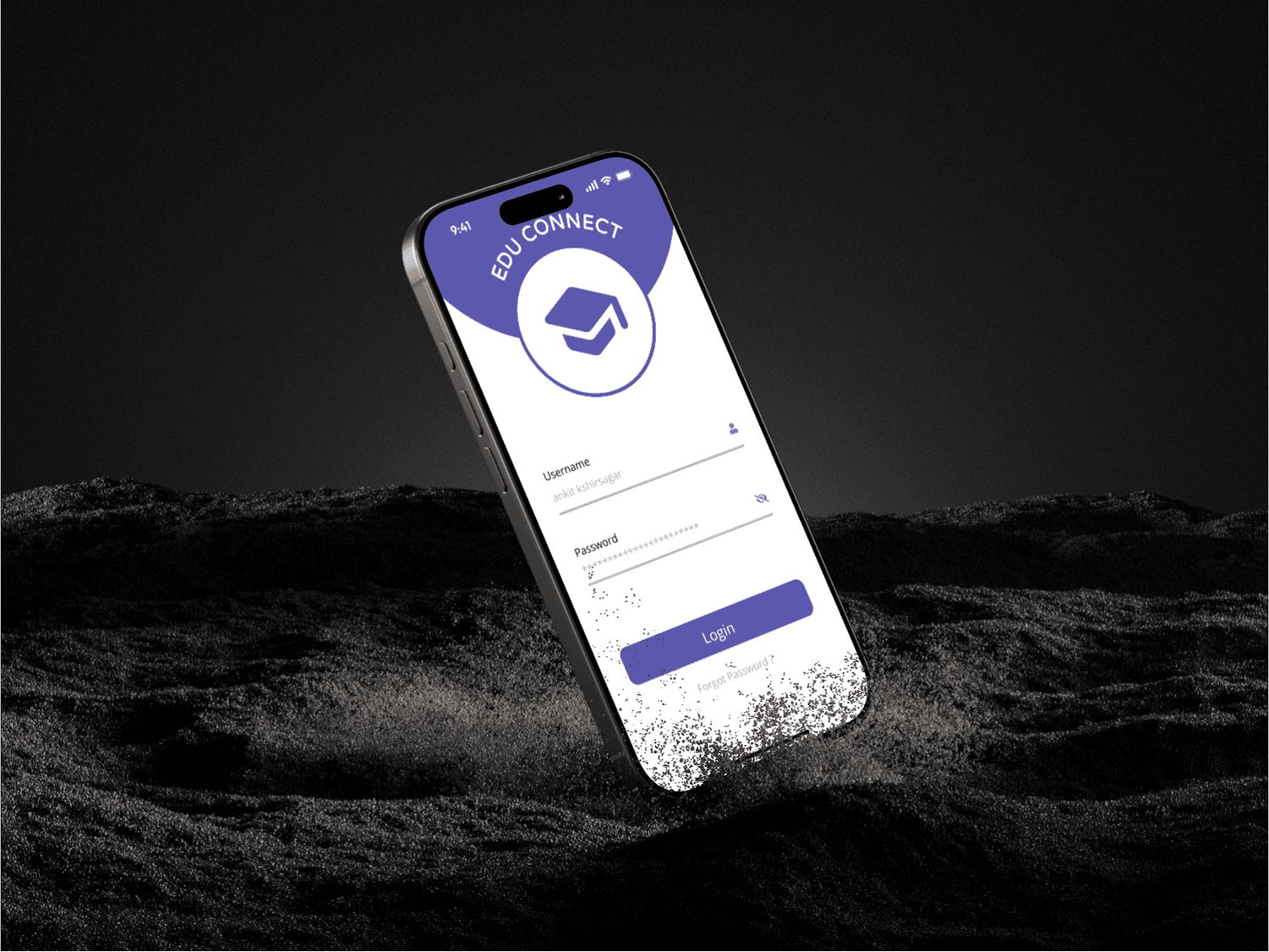
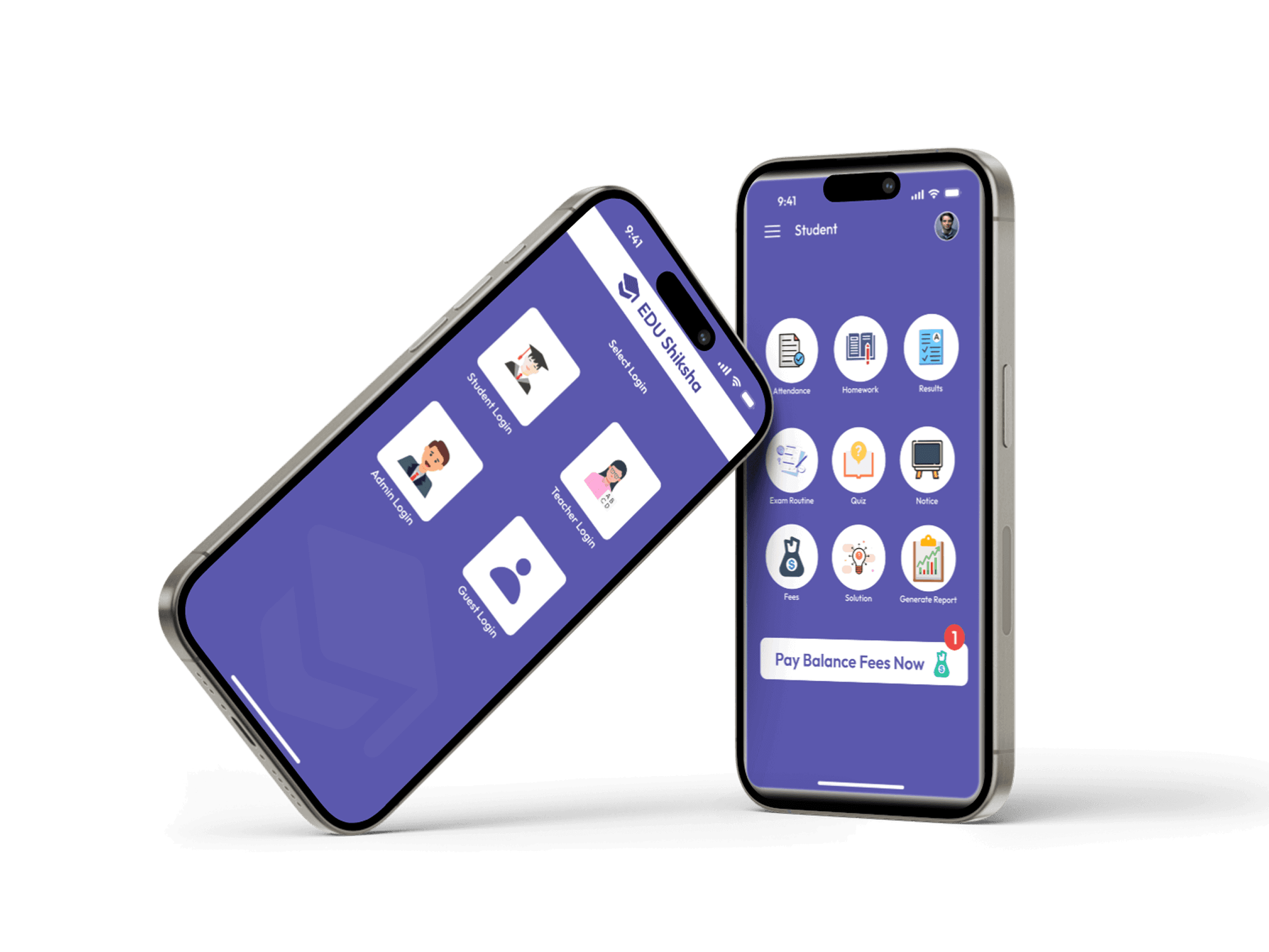
The app offers multiple login options catering to different user roles:
Student Login – Access class materials, assignments, and exam schedules.
Teacher Login – Manage assignments, track student progress, and share results.
Admin Login – Oversee school operations, announcements, and academic management.
Guest Login – Limited access to general academic information.
Clear and simple icons help users easily recognize their roles.
2. Clean and Organized Dashboard
Student Dashboard provides quick access to essential features:
Attendance Tracking
Homework & Assignments
Exam Results
Exam Routine & Quiz Section
Notices and Announcements
Fee Management & Solutions
Report Generation
The consistent iconography ensures smooth navigation and quick task execution.
3. Accessible Navigation
The hamburger menu allows students to navigate seamlessly between different sections.
Profile Icon on the top right ensures easy access to user settings and personal details.
4. Action-Oriented CTA (Call-to-Action)
A prominently placed "Pay Balance Fees Now" button ensures financial transactions are completed smoothly.
Notification badges provide real-time updates on pending tasks.
5. Engaging Visual Design
Minimalist UI with a purple theme conveys a professional and educational atmosphere.
Flat icons and clean typography enhance readability and usability.
6. Mobile-Optimized Experience
The app is designed for effortless usability on mobile devices, ensuring all features are accessible with minimal taps.
Responsive design elements adapt to different screen sizes seamlessly.